Game Assist
Speed, skip, backlog, teleport, edit items. Per game, and saves stay clean.
Your saves follow you through your own iCloud, with no SavePoint account, and the library says where to pick up. Games travel over your own network, never through iCloud.
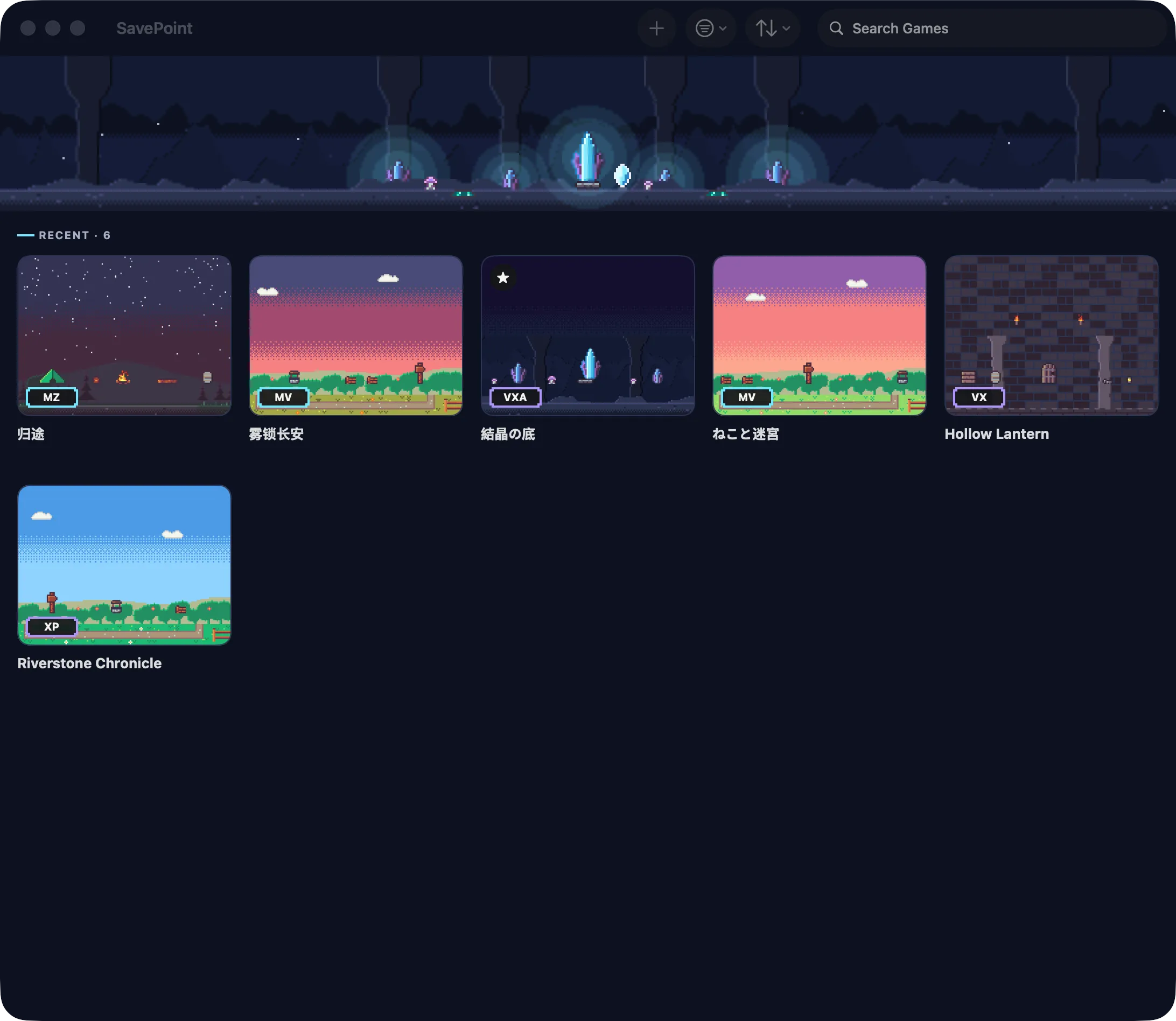
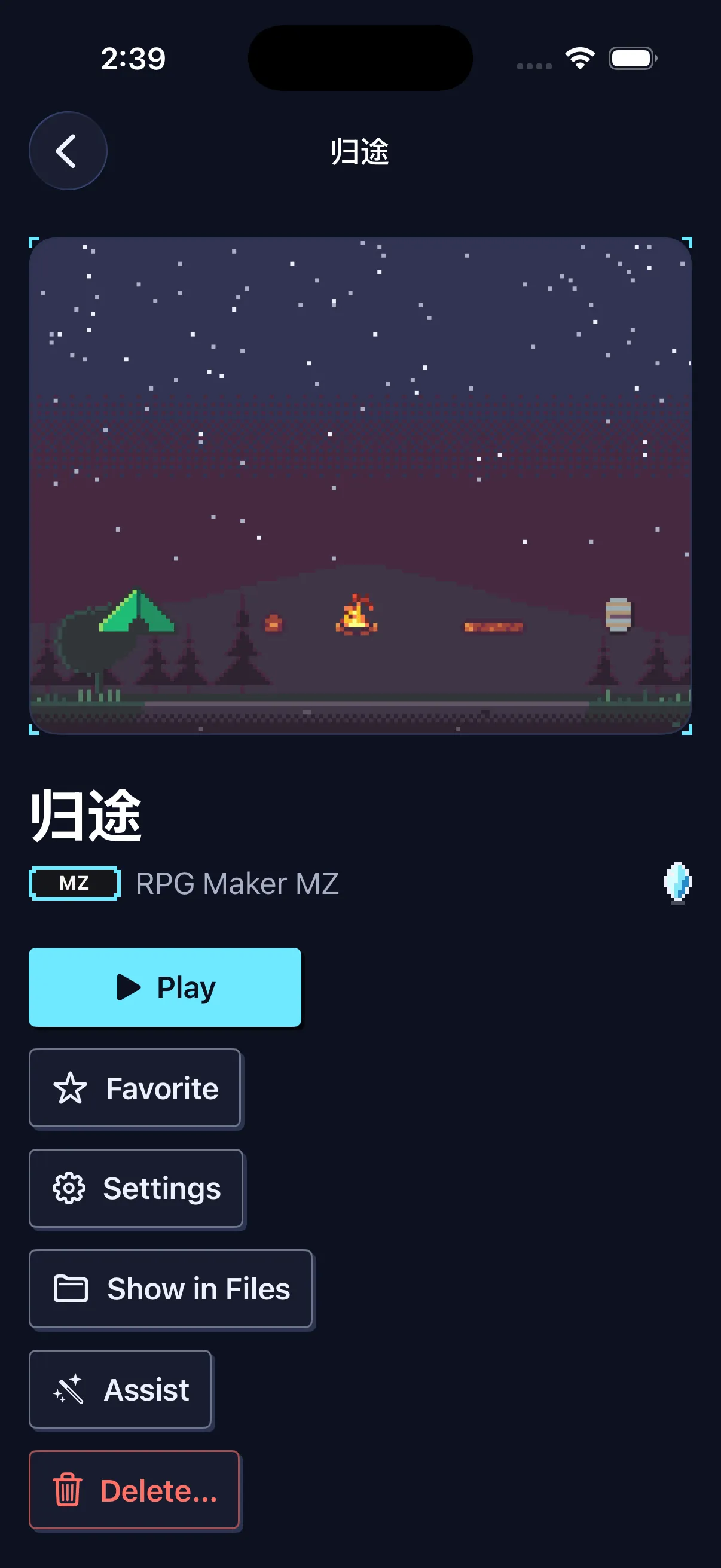
Sync Play covers RPG Maker games, XP to MZ, for now; more engines later. Both devices use iCloud with the same Apple Account; the game imported on each, or sent from one to the other; iOS 26 and macOS 14 or later.
Your games, your rules: speed, skip, translate, edit, save and remap, on the device, per game, with saves kept clean.
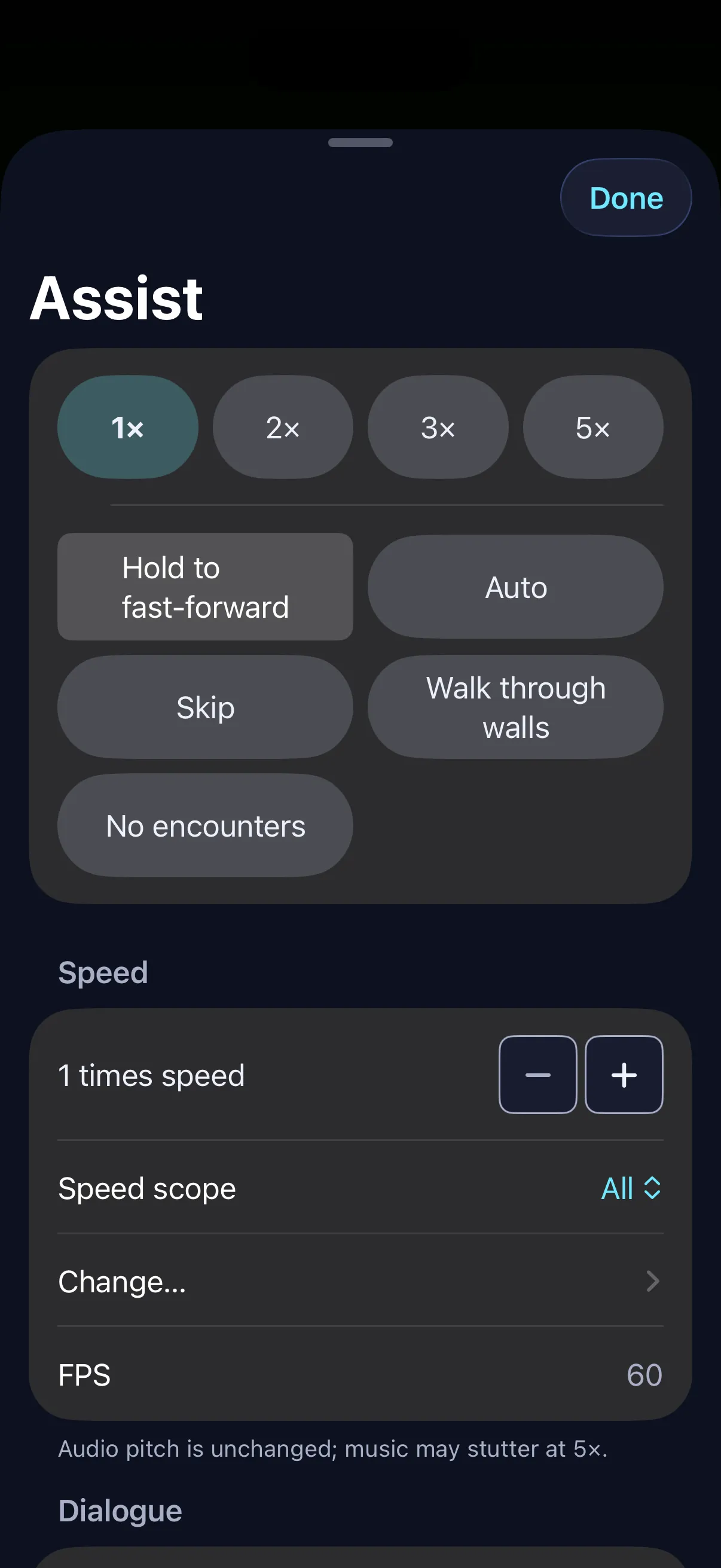
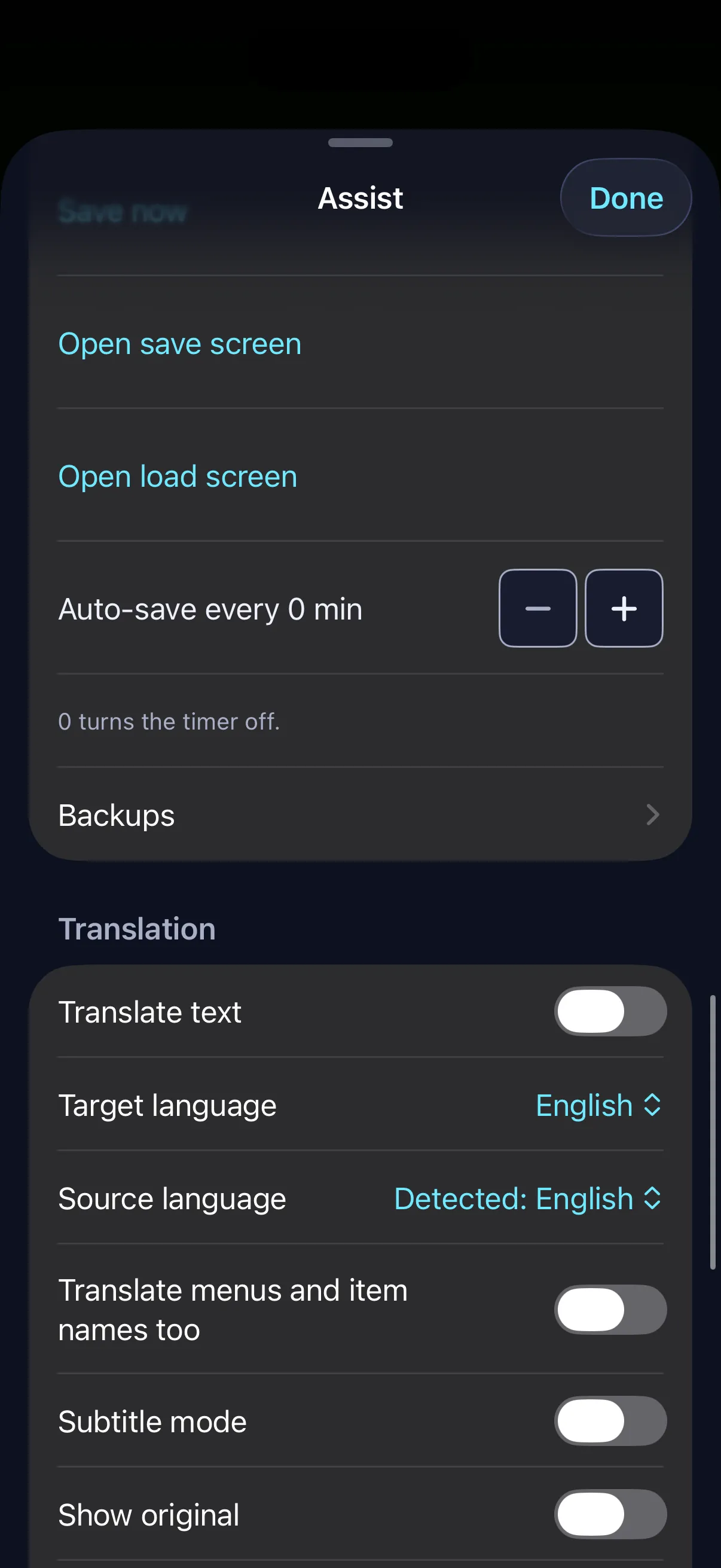
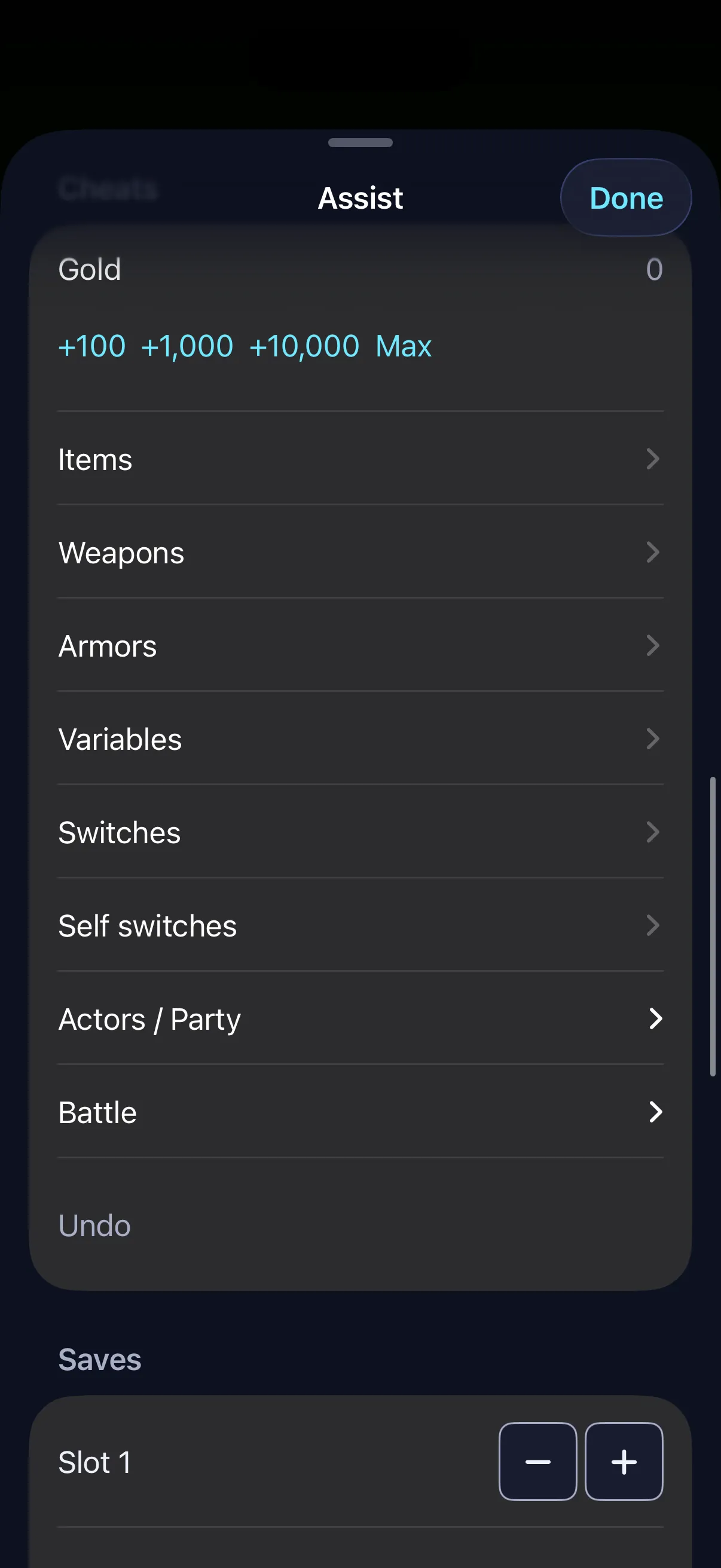
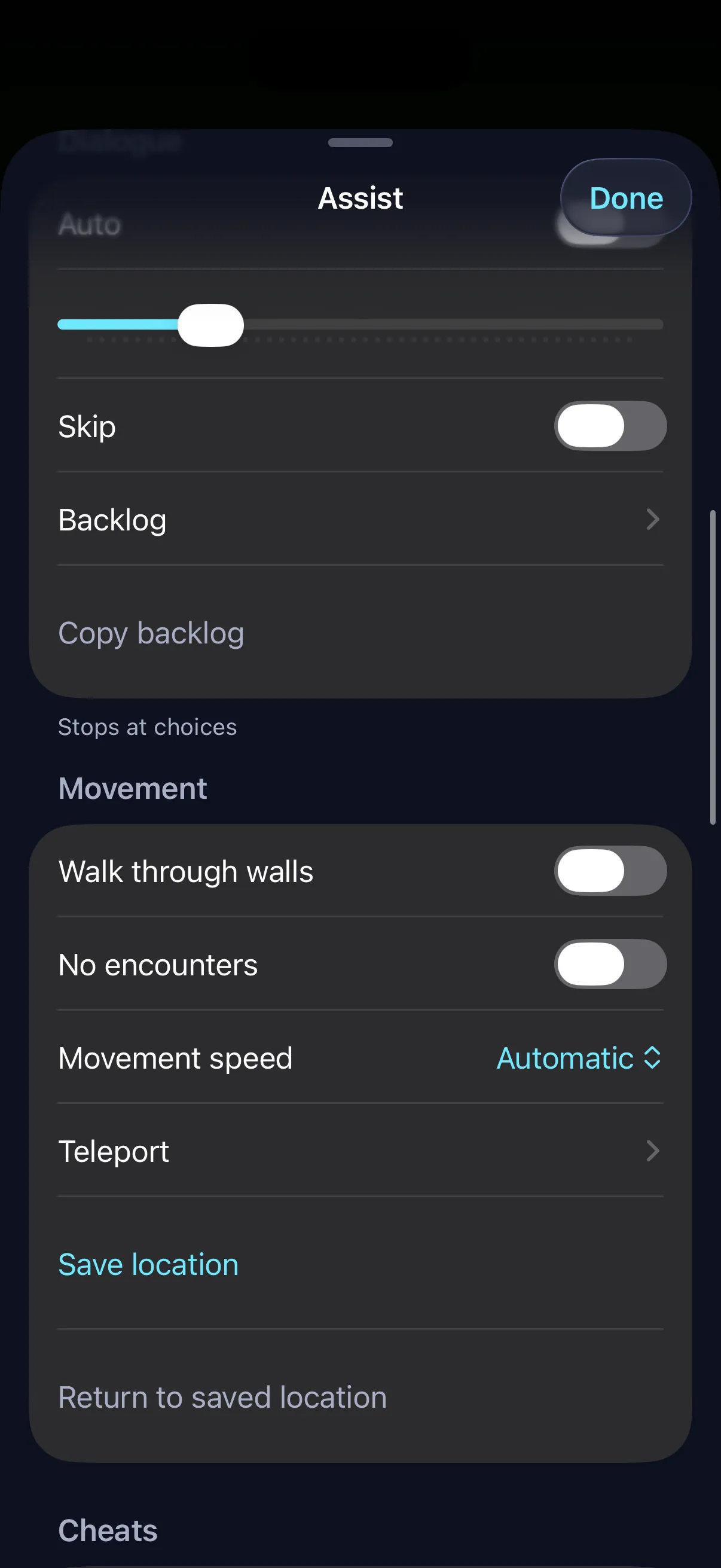
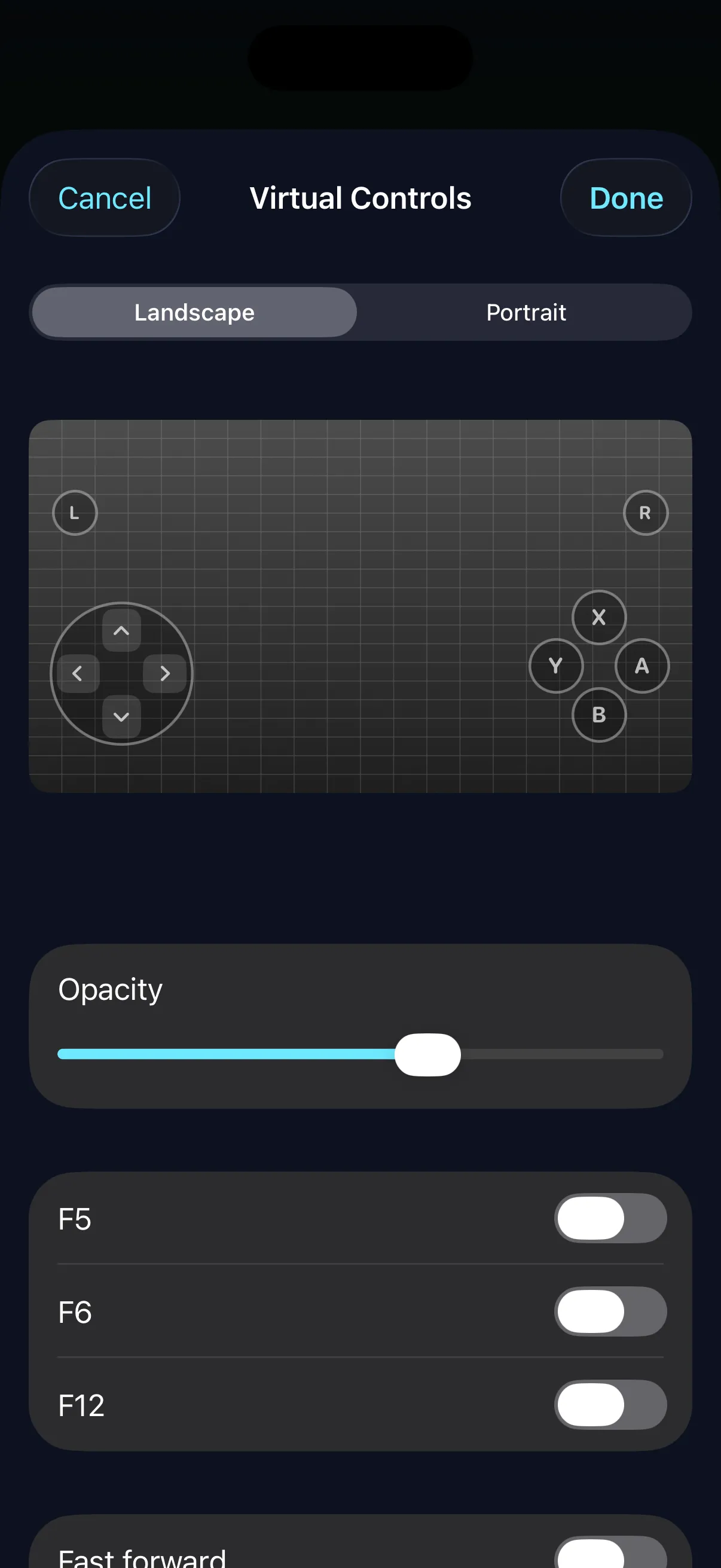
Speed, skip, backlog, teleport, edit items. Per game, and saves stay clean.
Japanese games translated offline. Nothing is uploaded.
PC-compatible formats, exportable any time.
GPL-3.0 licensed, with no analytics, telemetry or crash reporting.
Drop a game on the window and play.
Import a zip from Files and start.
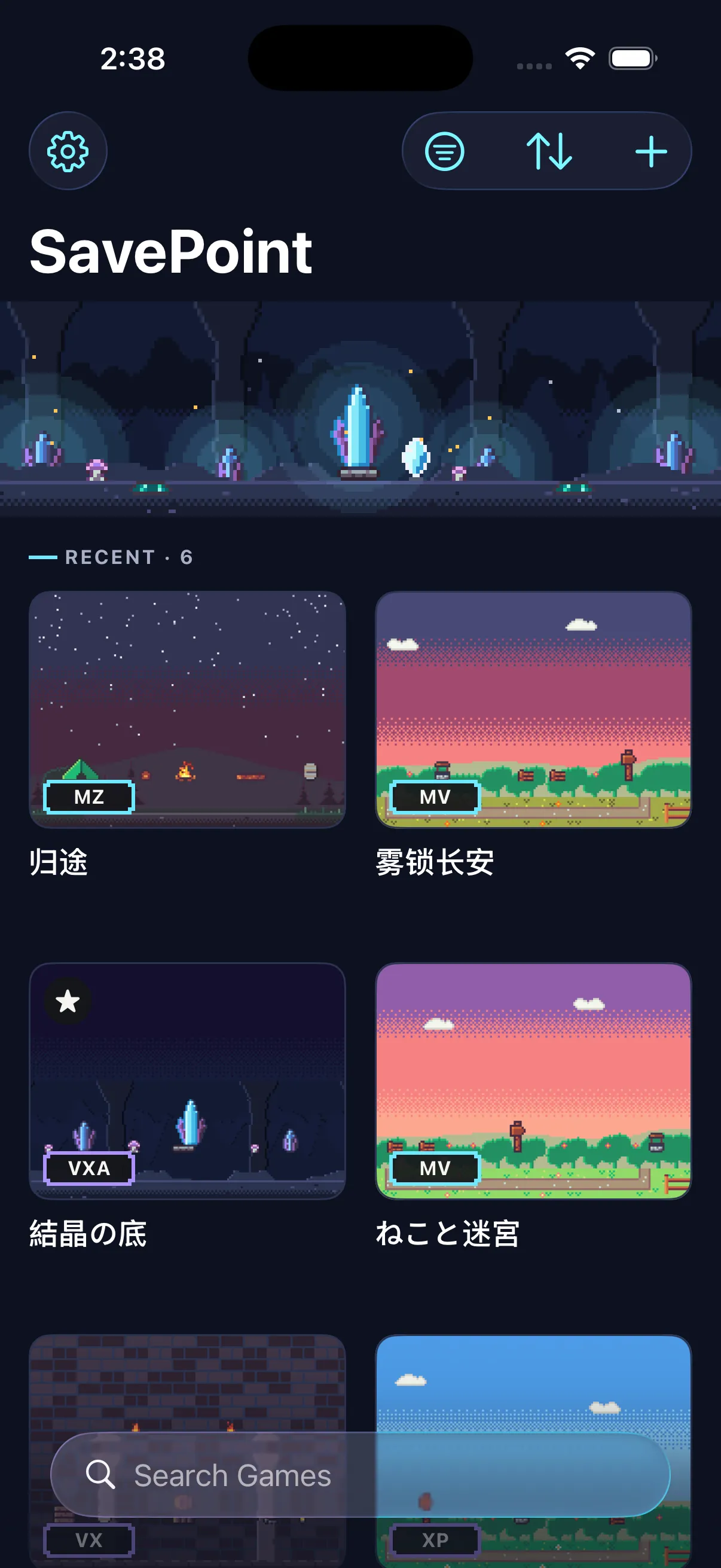
One link each, to the maker's own page. SavePoint hosts no games.
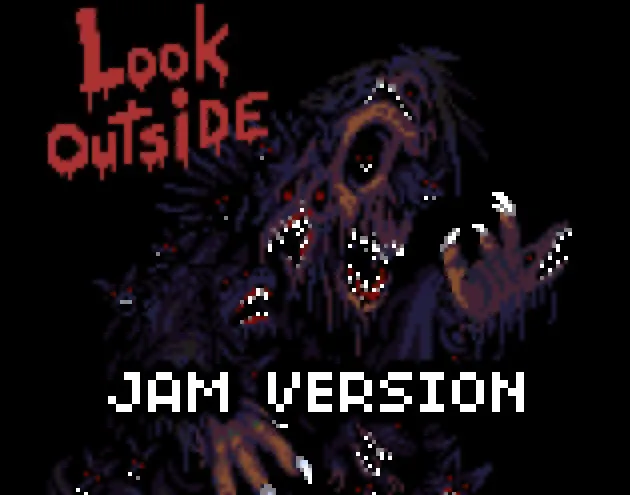 MZ Featured
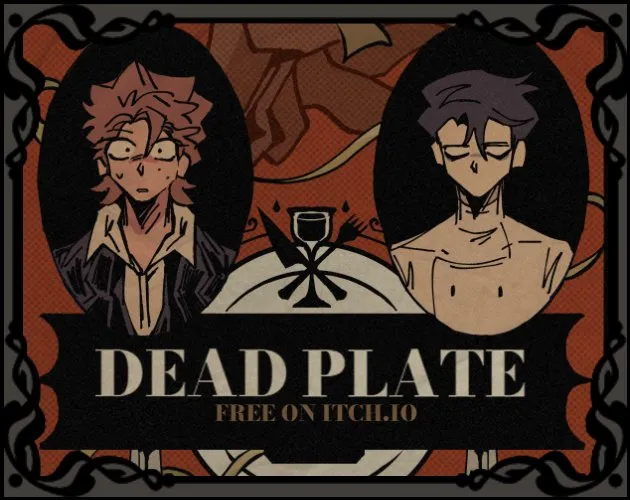 MV Featured Your Turn to Die MV Featured
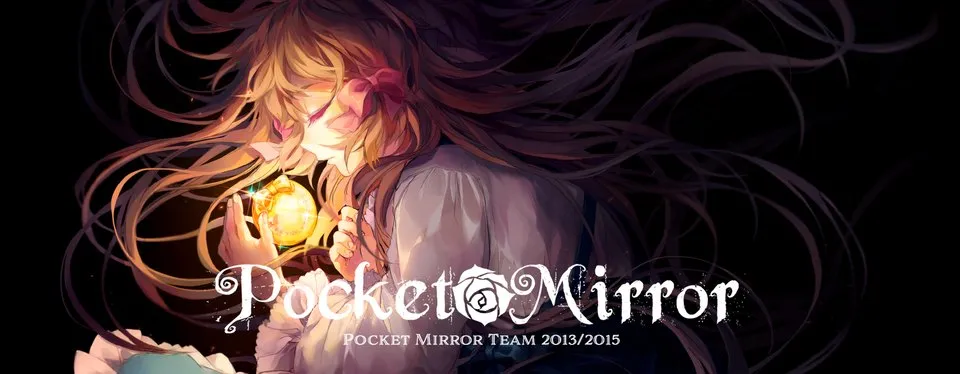 VX Ace Featured
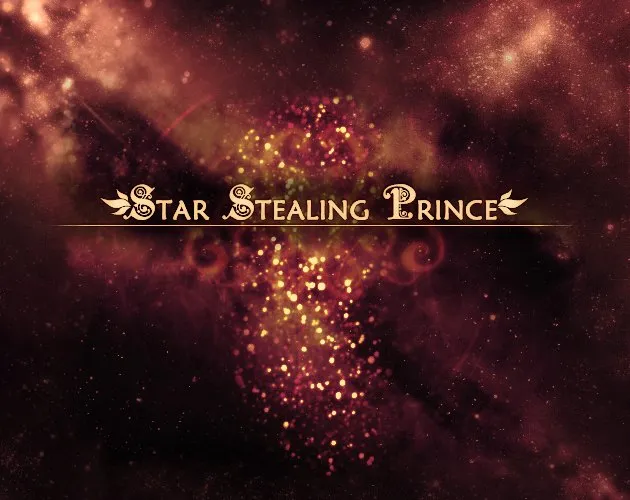 VX Featured The Reconstruction XP Featured
 MV
 MV
MZ Featured MV Featured VX Ace Featured VX Featured MV MV  VX Ace
 VX Ace
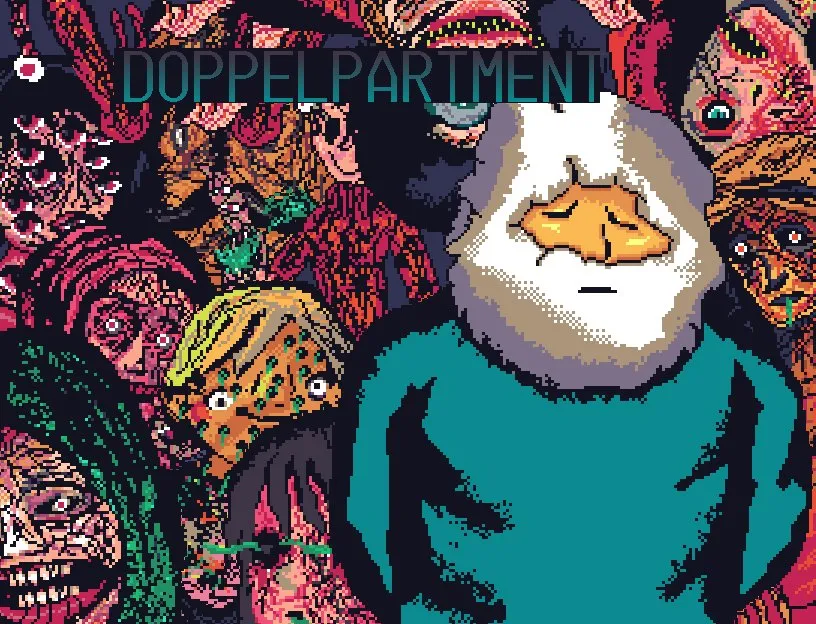 MZ
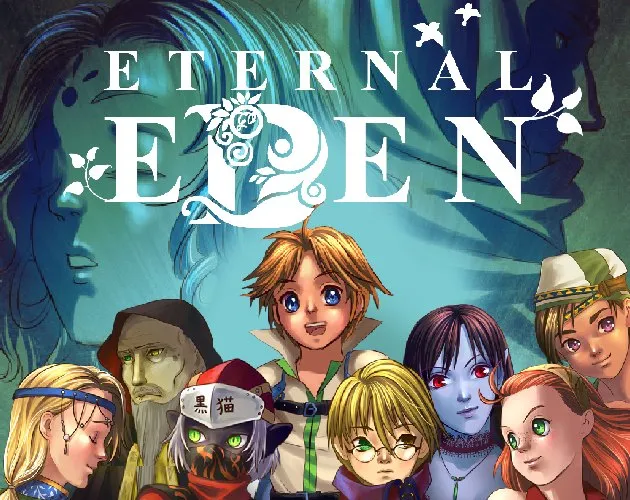 VX
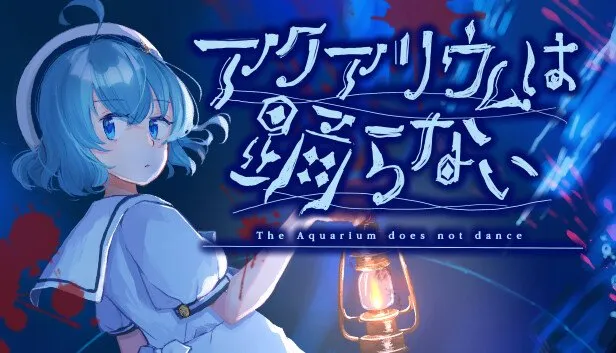 MZ
No games match these filters.
RPG Maker 2000 and 2003 games are not listed here: SavePoint recognizes them and points you to EasyRPG. Covers are the preview images the makers publish on their own pages; screenshots appear with their authors' permission.
Download it during the free period and every feature stays free for you, for good.
Three tiers: runs, recognized but handed on, not supported. At import, the app tells you which one your game is.
A game that won't run, or an idea for SavePoint? Tell us on Discord.
Look in the game folder: Game.ini plus .rxdata, .rvdata or .rvdata2 files under Data means XP, VX or VX Ace; www/js/rpg_core.js means MV; js/rmmz_core.js means MZ. SavePoint tells you at import too.
XP, VX and VX Ace games may rely on the RTP, the official asset pack. SavePoint cannot include it, but guides you through installing it once from your own copy or the official download.
Scripts that call Windows DLLs and plugins that only run in Node cannot run in SavePoint; the import says so in plain words.
The RTP is RPG Maker's official asset pack; many older games do not bundle it. SavePoint cannot ship it. The app walks you through importing it once, from an installation you already have or from the official download.
It is a player: it runs games made with RPG Maker the way a PC does, and contains none of RPG Maker's assets or programs. You import games you already own.
Yes. During the free period everything is free, with no limit: every feature, for as long as you like, with nothing to buy and no ads. If SavePoint charges later, everyone who downloaded it during the free period keeps every feature free, for good. Apple's record of your download is what counts, so there is nothing to sign up for.
Use Get from Mac in the iPhone's library, with both devices on the same network and using iCloud with the same Apple Account; or import the game again on the phone.
The newer save wins and the other becomes a kept copy in your backups, with a one-tap Swap in the notice. Nothing is lost.
The games and saves on your devices are untouched; deleting only empties SavePoint's space in your iCloud and turns Sync Play off. Turn Sync with iCloud back on in Settings and your devices send their saves up again.
Sync Play keeps up to 500 games. Saves use your own iCloud storage and are small, from kilobytes to a few megabytes each; if your iCloud is full, uploads pause and the games still play.
Saves use PC-compatible save formats. Support